Now Available: The Path Drawing Tool
July 14, 2025
A new drawing tool has just landed in liiive: Path—a tool for creating line annotations. Beyond simple lines, Path lets you combine straight segments and Bézier curves to draw smooth, precise shapes.
Draw Shapes That Bend (or Don’t)
The Path tool lets you draw open or closed shapes. Need to draw a simple straight line between two points? Or want to trace a complex, curved object? The Path tool has you covered.
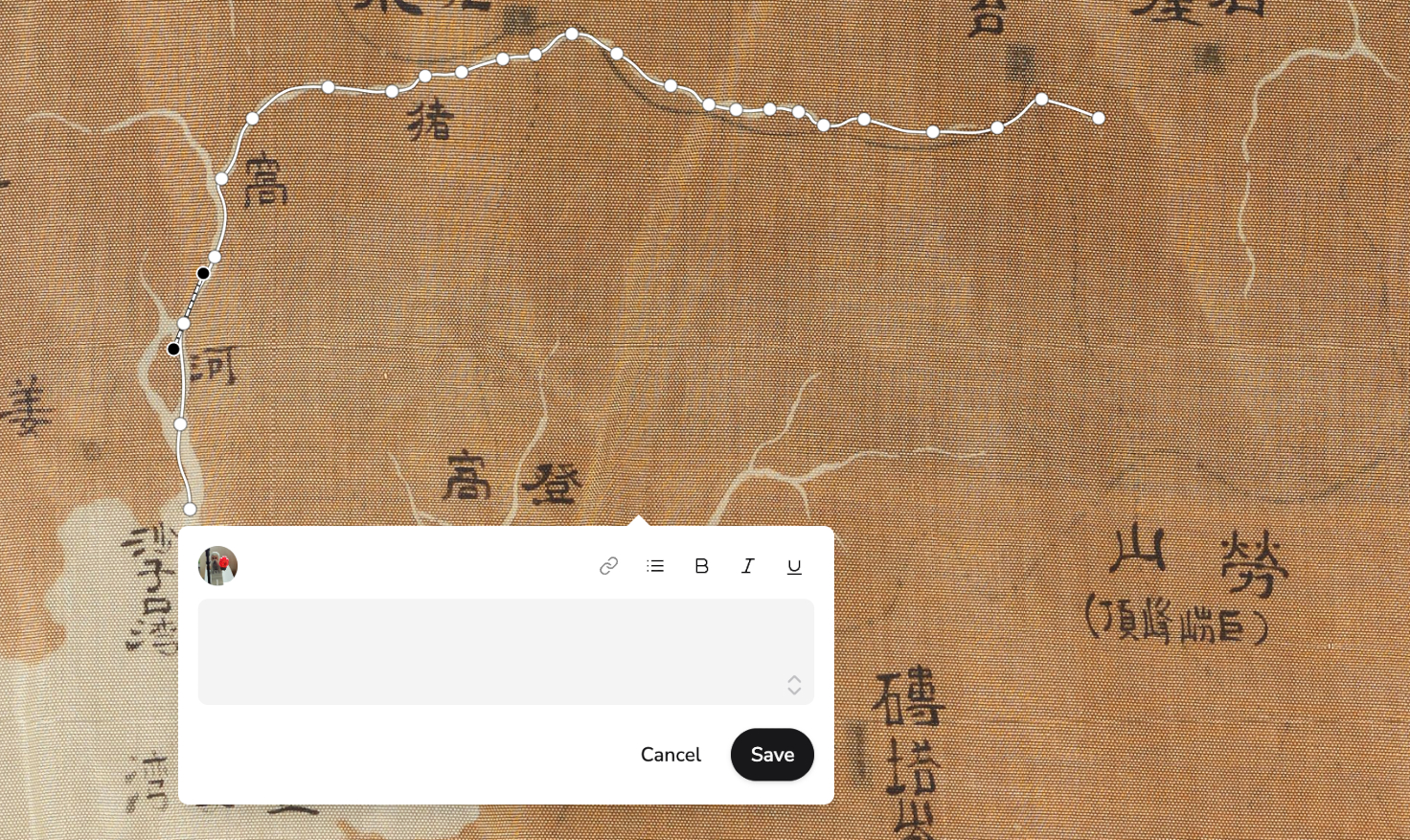 Trace curves and line features with the new Path drawing tool. (Image source: Unknown, Haori with Maps, ca. 1930–40, Yale University, CC0)
Here’s how it works:
- Start by clicking and dragging, just like with the other drawing tools.
- Click to add more points, just like with the polygon tool.
- Want to create an open path? Double-click to finish.
- Want to close the shape? Click the first point again.
Once your path is drawn, you can fine-tune it:
- Click a point to toggle it between a corner and a curve–curve handles will appear.
- Drag the handles to adjust curvature.
- Want a sharp corner between two curved segments? Hold
Alt(orOptionon Mac) while dragging. This will unlock the handles, and move them independently. - Want to relink the handles? Double-click the point to snap them back together.
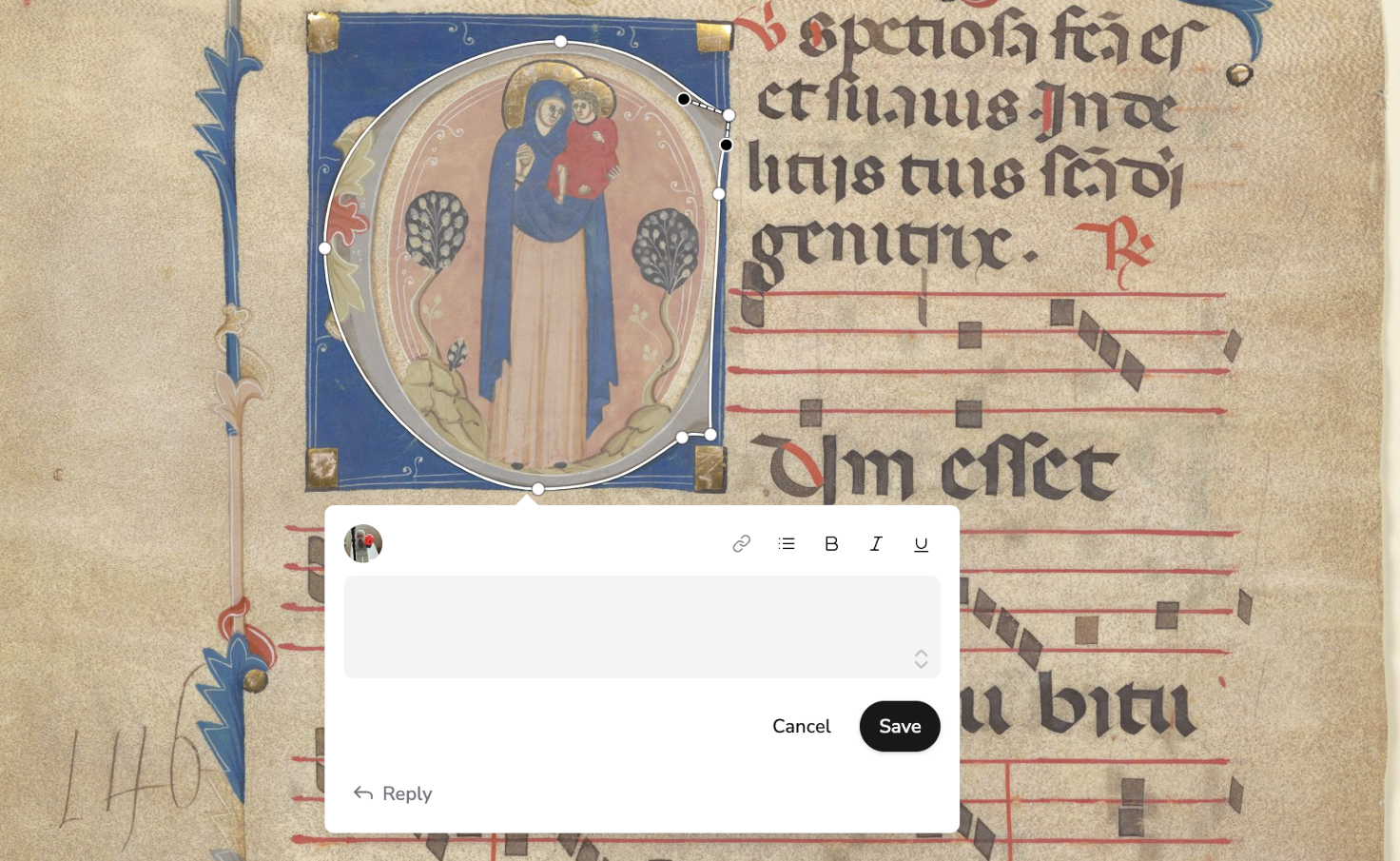 Press
Press Alt or Option (on Mac) to unlink the curve handles and create sharp corners. (Image source: Madonna and Child, initial letter ‘C’; from illuminated manuscript, Yale University, CC0)
Why Paths?
Not everything fits neatly into a box or a polygon. The Path tool is useful for:
- Line-based features, like a winding river on an old map.
- Organic or irregular shapes, like decorative borders or illuminated initials.
- Any detail that’s not quite round, straight, or angular–save your time by creating one curve instead of a dozen polygon corners to get it right.
Available Now in All Rooms
The Path tool is now available in all rooms, temporary or permanent. Just click the new icon in the toolbar, and start drawing!

Hi I'm Rainer, a freelance software developer based in Vienna, Austria. I created liiive out of a passion for the Digital Humanities and a fascination with realtime web technologies. I believe that studying historical materials online should feel as natural and engaging as gathering around a table together. For updates and tips, follow me on Mastodon or Bluesky.